 Turkey (Türkçe)
 Worldwide (English)
How to Setup SSL? Free cPanel SSL installation

We offer the Let's Encrypt plugin, which is available as a licensed version for all our users, free of charge to our customers. There is a free version of the plugin for WHM management, but we provide licensed services on all our servers in order to prevent any harm to any of our customers.
Has Your SSL Expired?
You can install your SSL immediately in a few steps.
First, log in to your cpanel account.
https://alanadi.com:2083
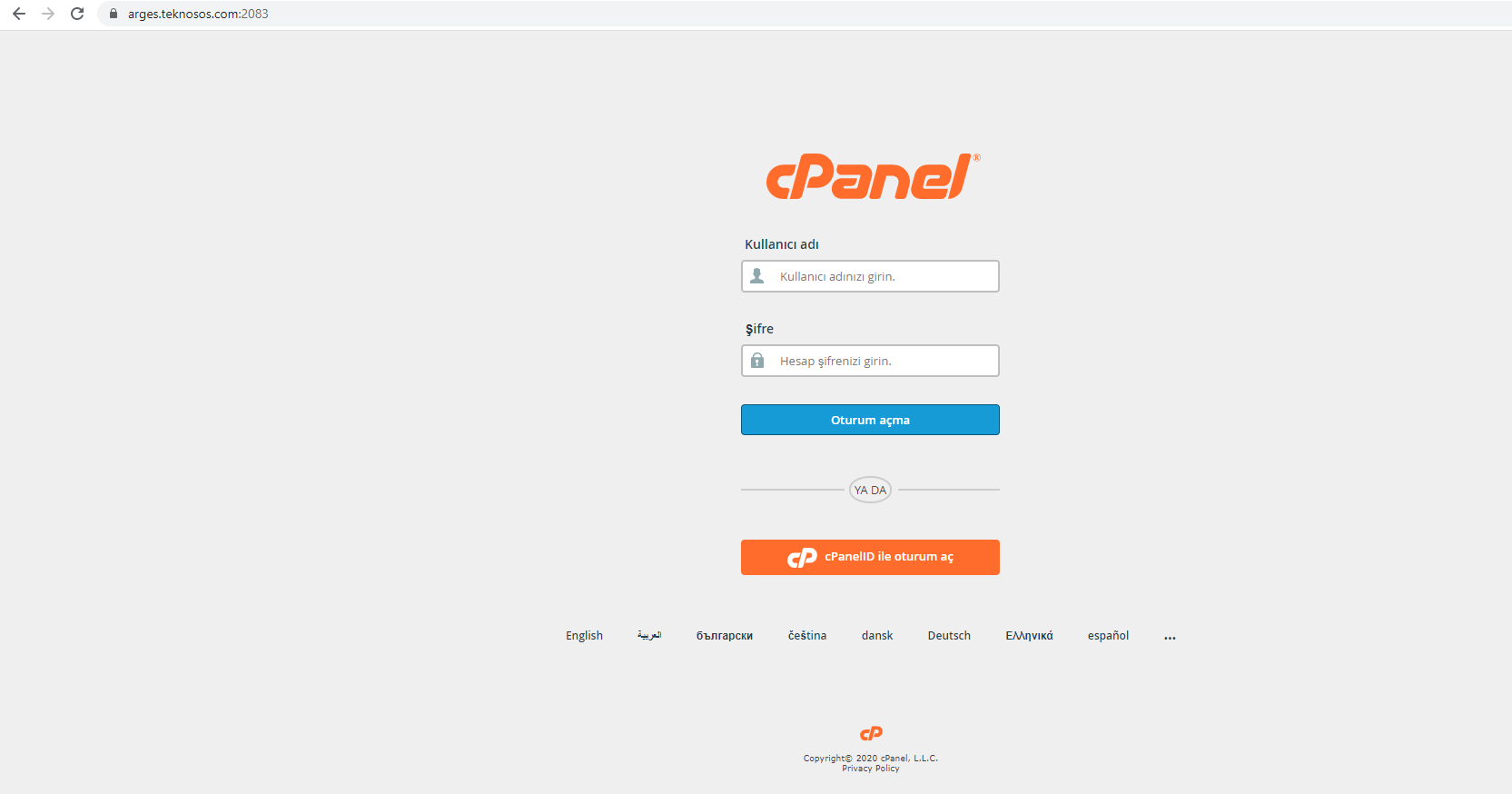
After logging in
From the Security tab, we click on the Let's Encrypt plugin.

After logging in to the Let's Encrypt plugin, we continue with the ISSUE option.
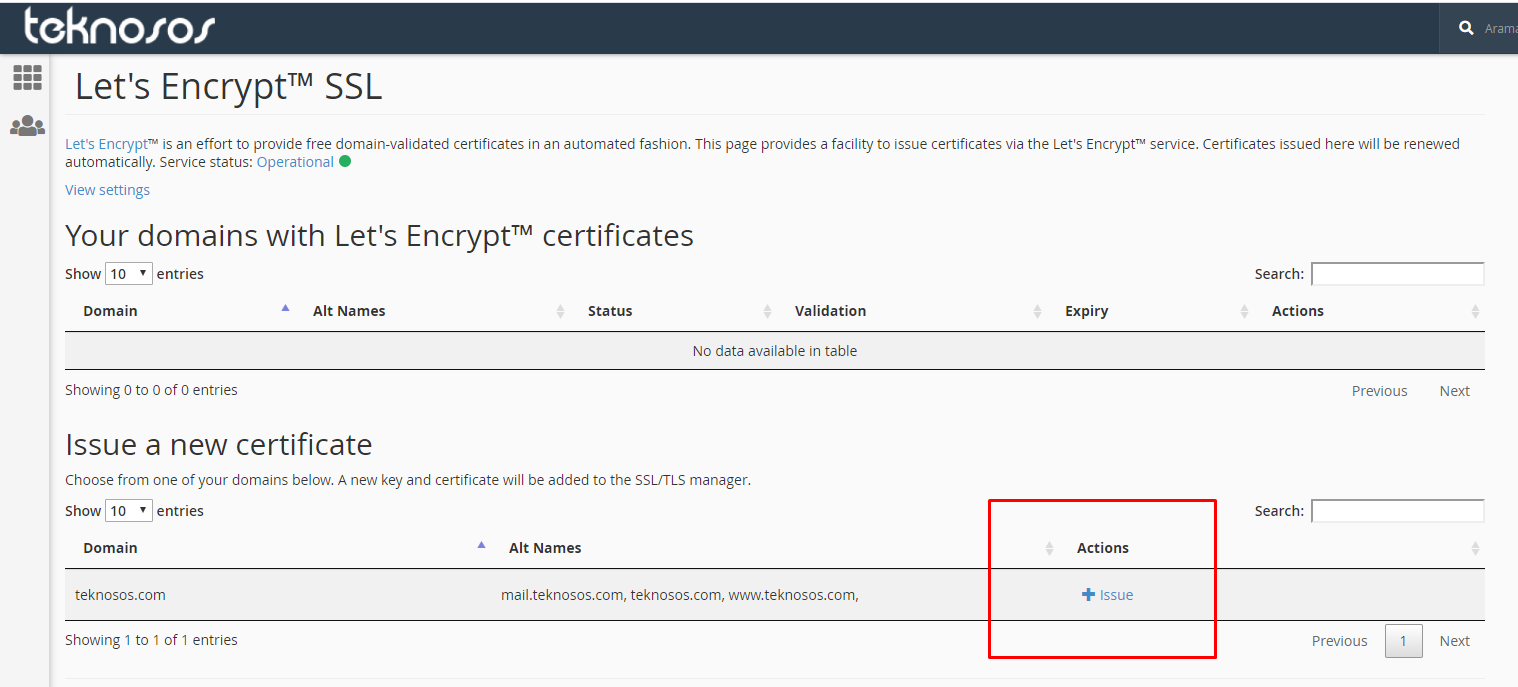
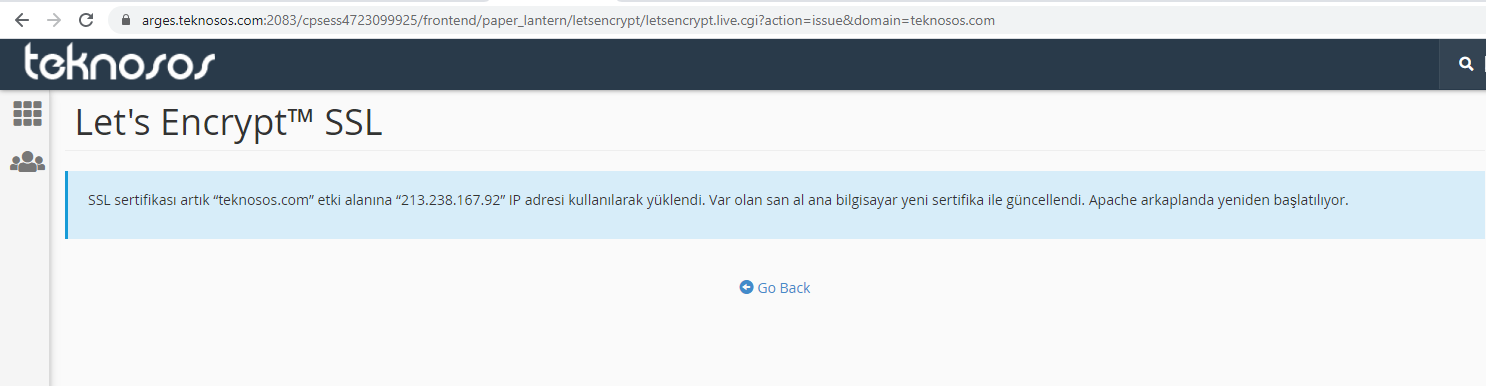
As the last step, we click ISSUE and complete the installation process. In order to complete the SSL installation, your NS addresses must be the same as our server addresses.
Conclusion:
Can't find the information you're looking for?
You have examined the knowledge base in detail, but if you cannot find the information you need,
Create a Support Ticket-
How to Open Ports in Windows?
1309 2
-
How to Grant Windows Administrator Privileges?
867 0
-
How to install Webmin on Ubuntu?
1455 2
-
Linux SSH Terminal Commands and Explanations
1368 3
-
CentOS Stream 10 Update Commands
1405 1
-
CentOS Stream 9 Update Commands
2238 2
-
CentOS Stream 8 Update Commands
1239 0
-
What is FreeBSD?
1341 2
-
Out: 452 4.3.1 Insufficient system storage
1354 2
-
Turning Off Automatic Updates in Windows Operating Systems
1509 1
